

Integration Patterns
02 · Fire-and-forget with platform events
When the caller does not need an answer, publish an event and move on — decoupling, replay, and the delivery guarantees you actually get.

Building Namaste Salesforce
When the caller does not need an answer, publish an event and move on — decoupling, replay, and the delivery guarantees you actually get.
The synchronous callout, done properly: named credentials for auth, a timeout you chose on purpose, and a mock for the test.
Request-reply, events, batch, middleware — pick the integration pattern before the tool, and design for the failure first.
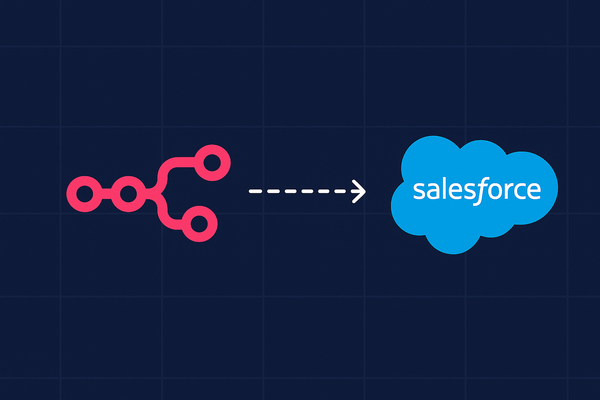
This guide shows you how to integrate n8n with Salesforce. Using two secure methods OAuth 2.0 (Client ID - Consumer Key ) & Client Secret - Consumer Secret ) and JWT. how you create a Connected App in Salesforce and configure credentials in n8n, and run a first workflow N8N automation for salesforce
Flow Builder Mastery joins Admin Foundations and Apex for Absolute Beginners — nineteen lessons across the three tracks.

The Developer Console query editor is the fastest answer machine in your org — five queries that replace an hour of report building.

Past the keynote demos: where agents genuinely help today, where they embarrass you in front of customers, and how to scope your first one.
 Conga CPQ
What You’ll Learn * The admin console & navigation map you’ll use daily * The core data objects (products, attributes, bundles, price lists, rules, quotes) and how they relate * A
Conga CPQ
Conga CPQ Training — Welcome & Orientation (Lesson 1) Course URL: https://namastesalesforce.com/courses/conga-cpq/training-welcome/ Namaste and welcome! This is Lesson 1 of your Conga CPQ journey.
 Conga CPQ
Start learning Conga CPQ (formerly Apttus) on Salesforce: basics to mastery—package install, product/catalog/options, bundles, pricing (lists/tiers/matrices, discounts, deal guidance), constraint rules & approvals, quotes, renewals, templates, and integrations. Job-ready training.
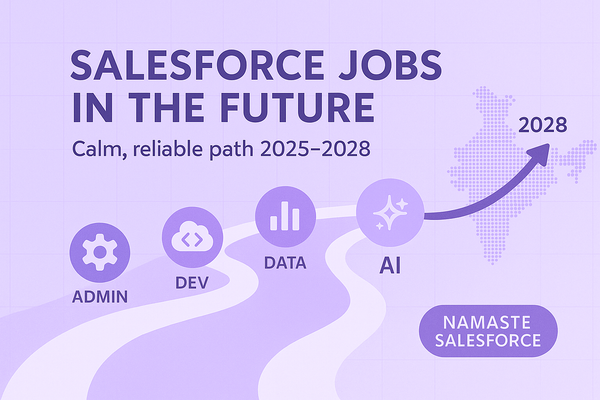
Salesforce + AI is opening up serious opportunities in India through 2028. If you’re a fresher or a busy professional looking for a **calm, reliable path**, this article lays out the **roles, skills, and a practical plan** and why I’m building **Namaste Salesforce** to help you get there
 Flow Builder Mastery
The async toolbox: run minutes later, run nightly, or hand off to another system entirely — without a line of Apex.